
RGT Consultants
Gemini in Workspace Training Resources
Thank you for joining us. Use this page to access the course workbook, complete the training survey, launch the virtual activities, or keep learning with Google's educator resources for Gemini in Workspace.
Course workbook
Gemini in Workspace 2026 workbook
This workbook supports the live training with feature notes, demo explanations, and step-by-step activity instructions you can reference during the session or revisit later if you get stuck.
Use the PDF preview to follow along during training, or download a copy to your device so you have it available after the session.
- Quick notes on the Gemini and NotebookLM features covered in the course.
- Demo context for the workflows shown during training.
- Activity instructions and reminders for completing the virtual practice experiences.
Training survey
Tell us how the session went.
Your feedback helps us improve future Gemini in Workspace trainings. The survey can open right here on the page, with a new-tab option available if your browser blocks the embedded form.
Virtual activities
Practice the same demos from training.
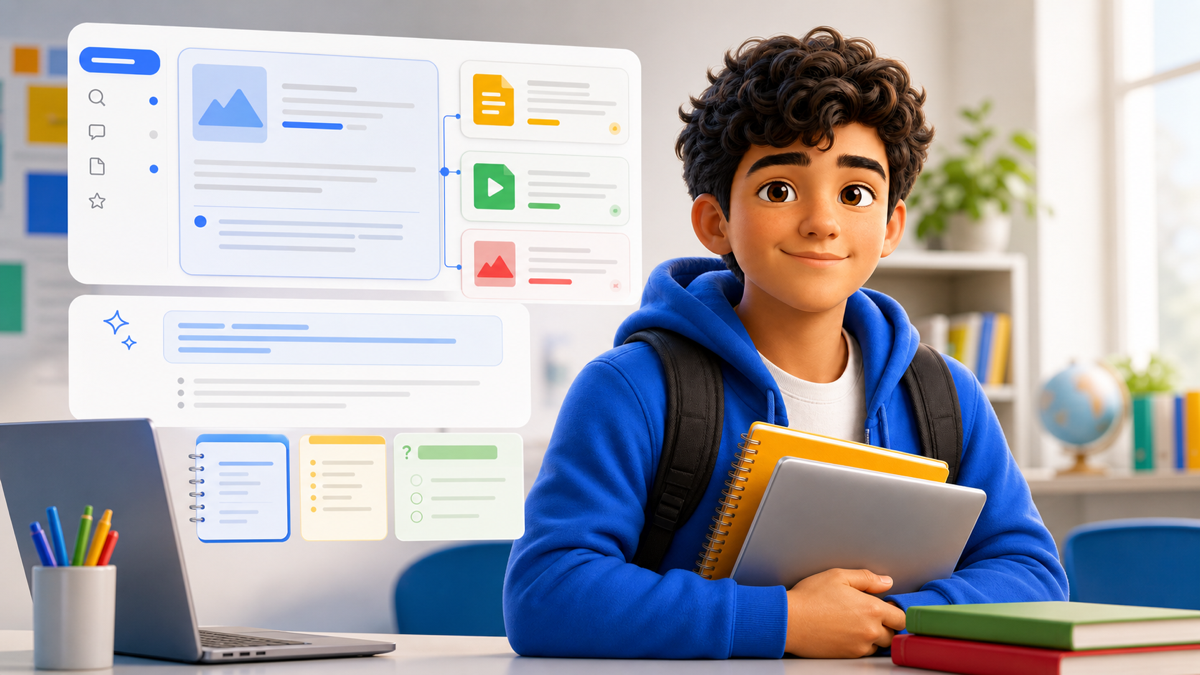
Use these guided activities to practice the workflows from the session. They are helpful during the live training if you need a nudge, and they are here afterward whenever you want to review a demo again.






Google resources
Support staff AI literacy after the training.
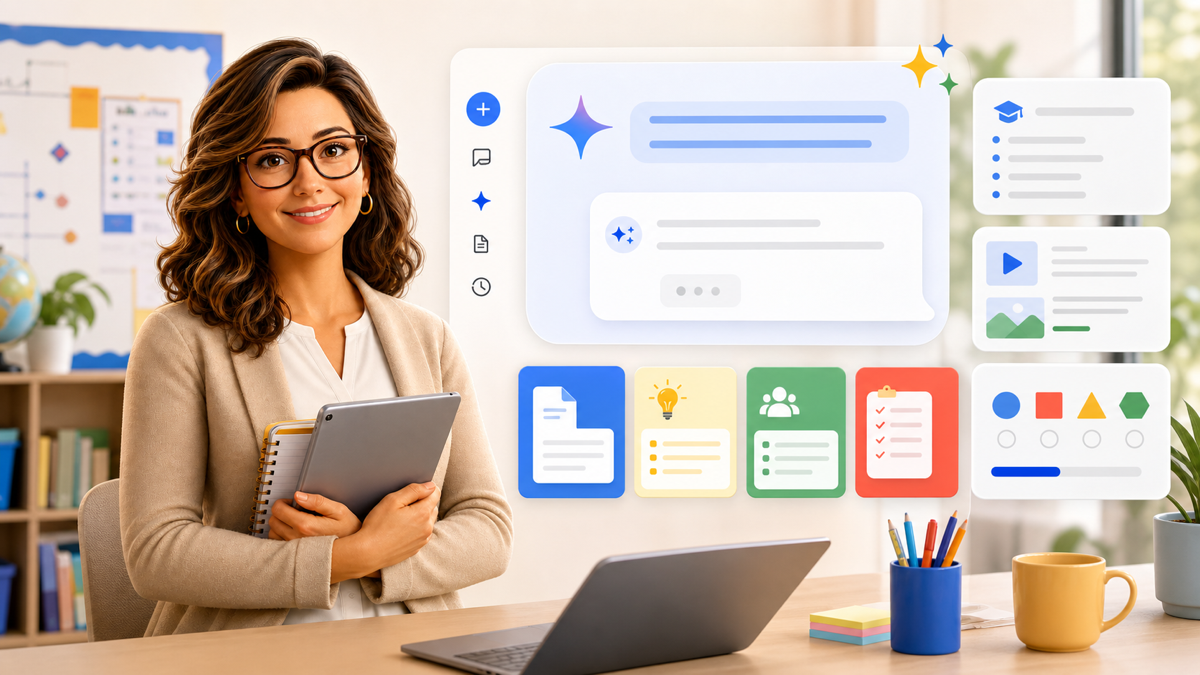
Google's AI Educator Series gives K-12 educators short, self-paced Gemini and NotebookLM learning paths that can fit into professional learning time. For school IT teams, it is a practical next step for helping staff build shared language around responsible AI use, classroom-ready workflows, administrative use cases, and badge-based recognition.